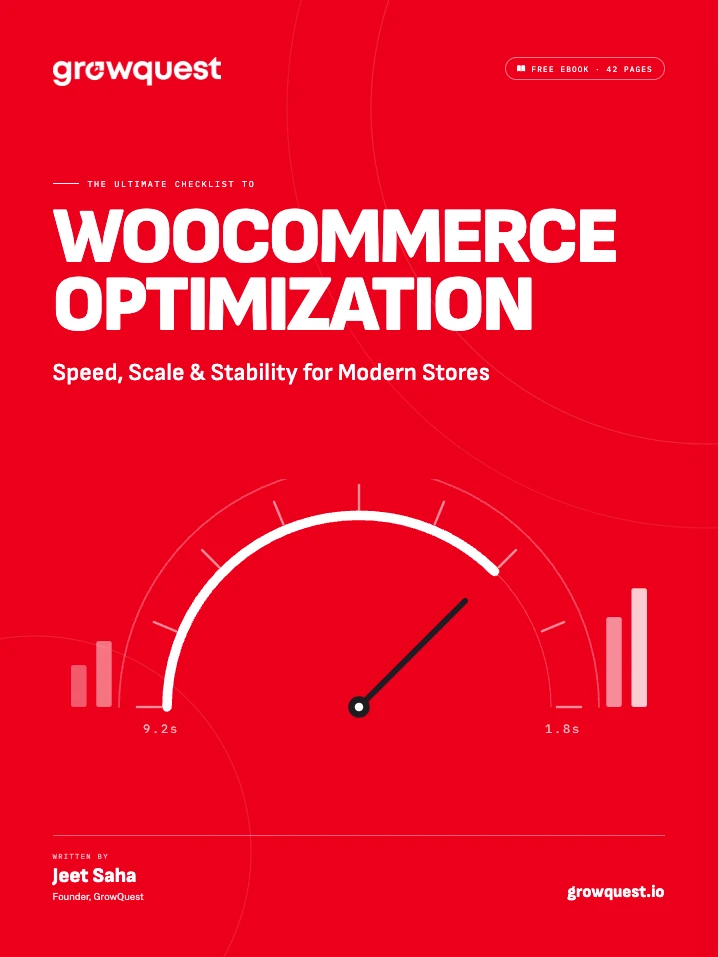
The ultimate checklist to WooCommerce optimization.
Check your inbox
The checklist is on its way to [email protected]. It can take a minute; if it isn’t there, look in your spam folder.
Most slow WooCommerce stores I’m asked to look at have the same few problems: hosting that can’t keep up, plugins that load on every page, and a checkout nobody has tested on a busy day. None of them is glamorous, and most are cheap to fix once you know where to look.
So I wrote down where to look. Six chapters on speed, scaling, stability and conversion, and every one ends with a checklist you can work through yourself or hand straight to your developer.
Six chapters, each ending in a checklist.
Read it once, then keep it as a reference. Every chapter closes with a to-do list you can print, tick off or hand to your developer.
- 01p. 4
The silent store killer: speed
Core Web Vitals, hosting, and the money you lose while a page loads.
- 02p. 11
Scaling without meltdowns
Bottlenecks, architecture, and surviving your own success.
- 03p. 18
The art of stability
Queues, cron and monitoring: keeping the checkout alive under chaos.
- 04p. 25
Conversion optimization
Where design meets performance, and revenue happens.
- 05p. 31
The optimization stack
The hosting, plugins, CDNs and tools we actually deploy.
- 06p. 36
Putting it all together
A five-phase roadmap and the full optimization checklist.
Get the checklist before your next sale.
Forty-two pages, six chapters, and a to-do list at the end of each. Free, in your inbox.
Check your inbox
The checklist is on its way to [email protected]. It can take a minute; if it isn’t there, look in your spam folder.