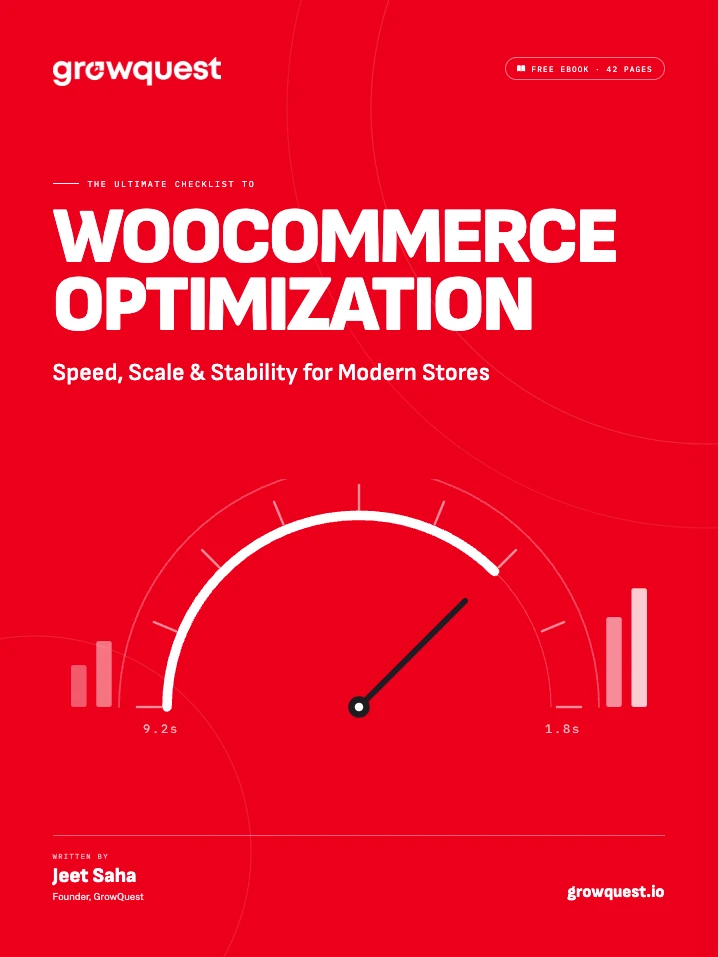
Builder Clipboard YOOtheme Pro 5 extension
Builder Clipboard. Copy and paste anything.
Copy, cut and paste sections, rows, elements and items in every YOOtheme Pro builder. Move them between columns, pages and browser tabs, or paste them on another site, WordPress or Joomla.
YOOtheme Pro 5 · PHP 7.4+ · WordPress 6.1+ or Joomla 5/6 · lifetime licence, unlimited sites
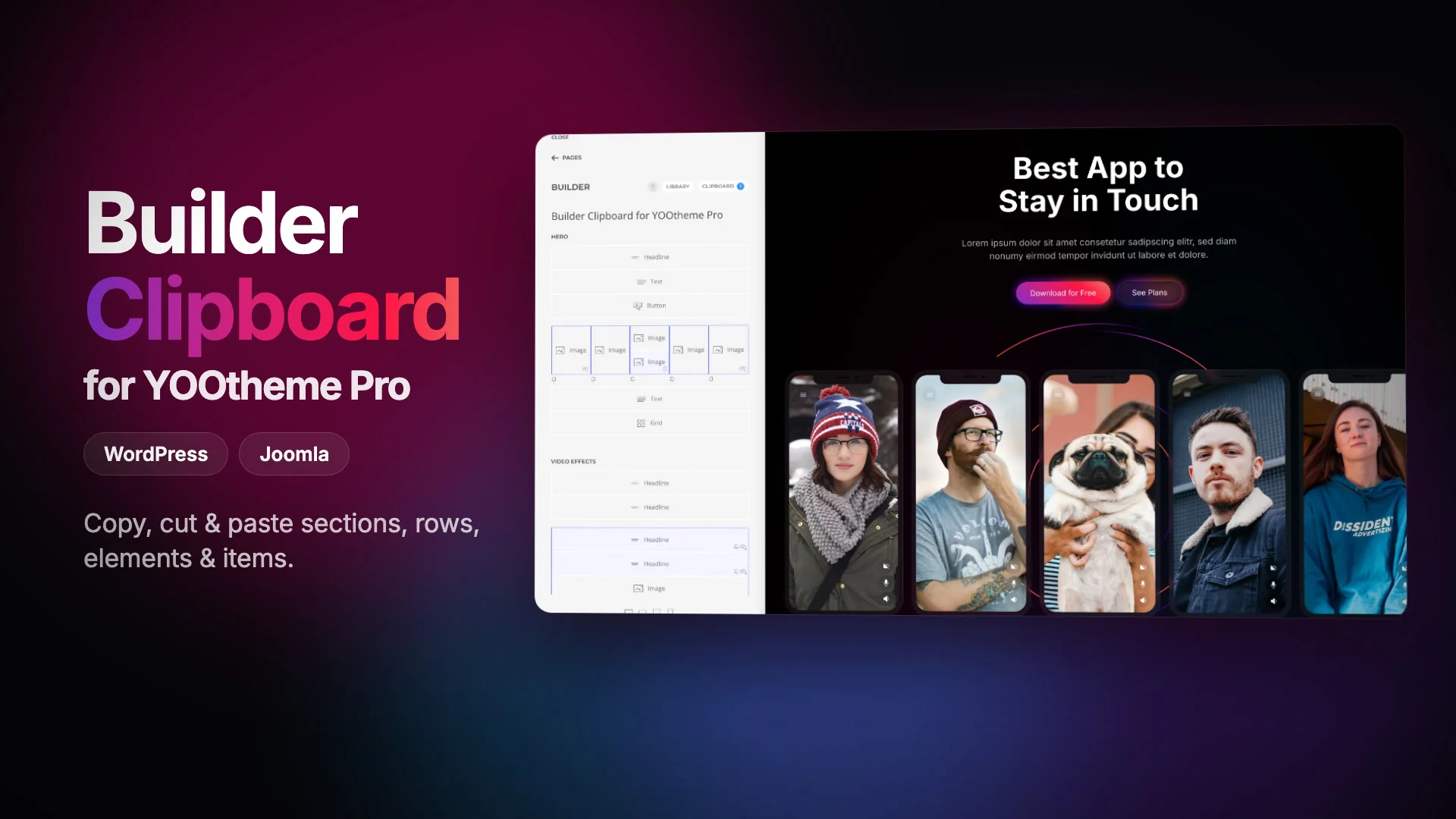
Every tile, every builder, one clipboard.
Everything the clipboard does goes through YOOtheme’s own builder, so pastes behave like any other edit you make.
Copy, cut, paste, duplicate, delete
For sections, rows, elements, Sublayouts and the items inside multi-item elements, such as Grid or Slideshow items.
Right-click, hover or keyboard
A menu on every tile, a More icon and a Paste icon in each tile’s toolbar, and ⌘C, ⌘X and ⌘V in the sidebar and the preview. Inside text fields the shortcuts stay with the field.
Select several at once
⌘-click adds or removes a tile, Shift-click selects a range. Copy, cut, duplicate, delete and paste work on the whole selection.
Pastes where it fits
Content is converted the way YOOtheme’s Library does it. A spot that can’t take what you copied is shown disabled, with the reason.
Every builder
Pages, templates, widgets or Joomla modules, the footer and menu item dropdowns, and into or out of Sublayouts.
Across reloads, tabs and sites
The clipboard survives a reload and every tab of the site shares it. It also goes to your computer’s clipboard, so you can paste on another site.
Safe pastes
Content copied somewhere else asks before it pastes and flags custom HTML, scripts and dynamic content. Content from an older YOOtheme Pro is updated first; from a newer one it is refused.
Works with Builder History
With Builder History installed, every paste, cut, duplicate and delete is one step you can undo.
Paste anywhere it fits.
Right-click a tile for Paste before, Paste after or Paste inside, each with a note on what will be pasted.
Keyboard shortcuts
| Action | macOS | Windows / Linux |
|---|---|---|
| Copy | ⌘ C | Ctrl C |
| Cut | ⌘ X | Ctrl X |
| Paste | ⌘ V | Ctrl V |
| Clear the selection | Esc | Esc |
| Add or remove a tile | ⌘ click | Ctrl click |
| Select a range | Shift click | Shift click |
The shortcuts act on the selection, or else on the tile under the pointer. Paste goes after it, or into it when that’s where it fits: items into a Grid, for example.
Where things can go
| Copied | Pasted | Becomes |
|---|---|---|
| Sections | into a menu dropdown or a Sublayout | their rows |
| Rows | between sections | a new section |
| Rows or sections | into a column | a Sublayout |
| Elements | between sections or rows | a new section or row |
| Items | into an element of the same type | items, such as Grid items into a Grid |
Sublayouts work like the page: open one and paste into it, or copy out of it and paste on the page.
After pasting on another site
- Images
- keep loading from the site they were copied from. Replace them to host them yourself.
- Dynamic content
- is mapped to this site’s content types and fields. Remap it after pasting.
- Third-party elements
- that this site doesn’t have can’t be pasted. The message lists them.
- YOOtheme Pro versions
- older content is updated first, the way YOOtheme’s Library does it. Newer content waits until you update.
Screens from the customizer.
One price. Every site, both platforms.
Pay once for Builder Clipboard and use it on as many WordPress and Joomla sites as you like, with every update that follows.
Needs YOOtheme Pro 5 · PHP 7.4+ · WordPress 6.1+ or Joomla 5/6.
€29.99once, lifetime licence
- Both packagesWordPress and Joomla, one licence
- Unlimited sitesUse it on every site you build
- Updates for lifeThrough the WordPress and Joomla plugin updaters
- Nine languagesEnglish, German, French, Spanish, Italian, Dutch, Brazilian Portuguese, Polish and Japanese
One payment, in euros. Secure checkout by Freemius.